


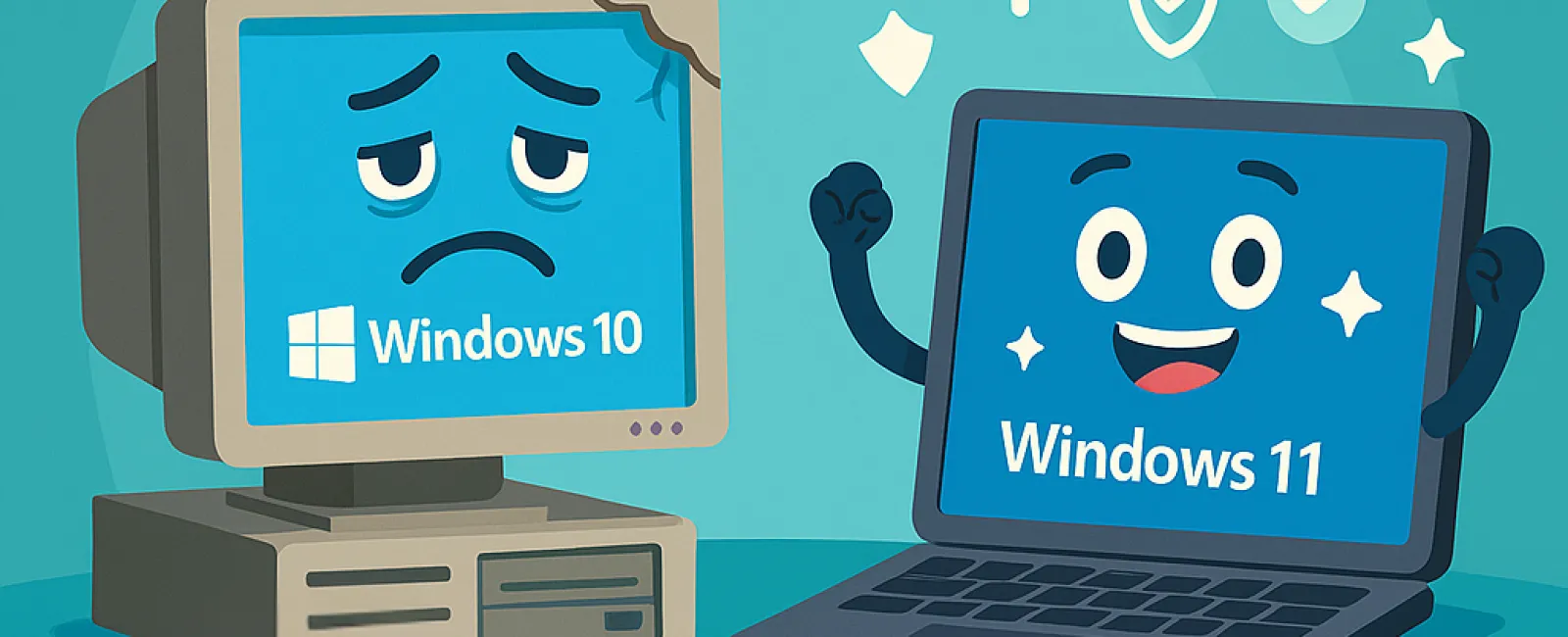
While it might seem economical to cling to aging technology to save on IT expenses, the hidden costs often outweigh any short-term savings. Outdated hardware and software can drain your business's productivity, inflate expenses, and expose you to significant security threats.
The True Price of Old Technology
Using legacy systems affects your business in several critical ways. Older equipment runs slower, which drags down your team's efficiency and reduces overall output. Additionally, these systems are prone to sudden failures, leading to unexpected downtime that can disrupt your service delivery.
Security risks are another major concern. Unsupported software and obsolete devices no longer receive crucial patches, leaving your business exposed to cyberattacks. Hackers exploit these weaknesses to steal or corrupt vital data. Moreover, operating on outdated technology increases the likelihood of non-compliance during audits.
When Is It Time to Replace Your Tech?
Recognizing the signs that your technology is overdue for an upgrade can help you stay ahead. Look out for these indicators:
1. Using Windows 10 or earlier versions.
With Microsoft ending support for Windows 10 in October 2025, any vulnerabilities discovered after that date won't be patched. Continuing after this cutoff exposes your business to serious cybersecurity and compliance risks. It's essential to plan an upgrade to Windows 11 to safeguard your operations.
2. Recurring IT issues requiring frequent support calls.
Persistent crashes, sluggish performance, and ongoing technical hiccups aren't just frustrating—they're signs that your systems are failing. These problems cause downtime, disrupt workflows, and eat into your team's productivity.
3. Software incompatibility with new tools and platforms.
If your current software can't integrate with cloud services or mobile applications, you're limiting your ability to adopt innovative solutions. This limitation can hamper client service and restrict business growth.
4. Devices delaying your team's work.
Computers that take too long to start, freeze during video conferencing, or crash unexpectedly hinder your workflow and waste valuable time. Devices older than three to five years should be evaluated for performance and energy use to prevent inefficiencies.
5. Outdated cybersecurity defenses.
Running firewalls or antivirus software that hasn't been updated in years leaves your business vulnerable to evolving cyber threats. Modern defenses are vital to blocking ransomware and other attacks.
Worried about the cost of upgrading? It's important to remember that sticking with outdated, slow systems often results in higher expenses due to lost productivity, security incidents, and recurring repairs. Fortunately, cost-effective upgrade options are available to keep your business running smoothly without stretching your budget.
Partner With Experts for a Seamless Upgrade
If you need a trusted team of specialists to guide you through updating your technology and keep you informed about future upgrades, reach out to us. Schedule your FREE 10-Minute Discovery Call to discuss tailored strategies that protect your data, boost productivity, and optimize costs. Contact us today at 314-993-5528 or click here to book your session.


