


Businesses often begin spring cleaning in closets, but clutter isn't just restricted to physical storage.
While some clutter may be on server racks, much of it hides in storage rooms, back offices, or piles marked "we'll deal with that later."
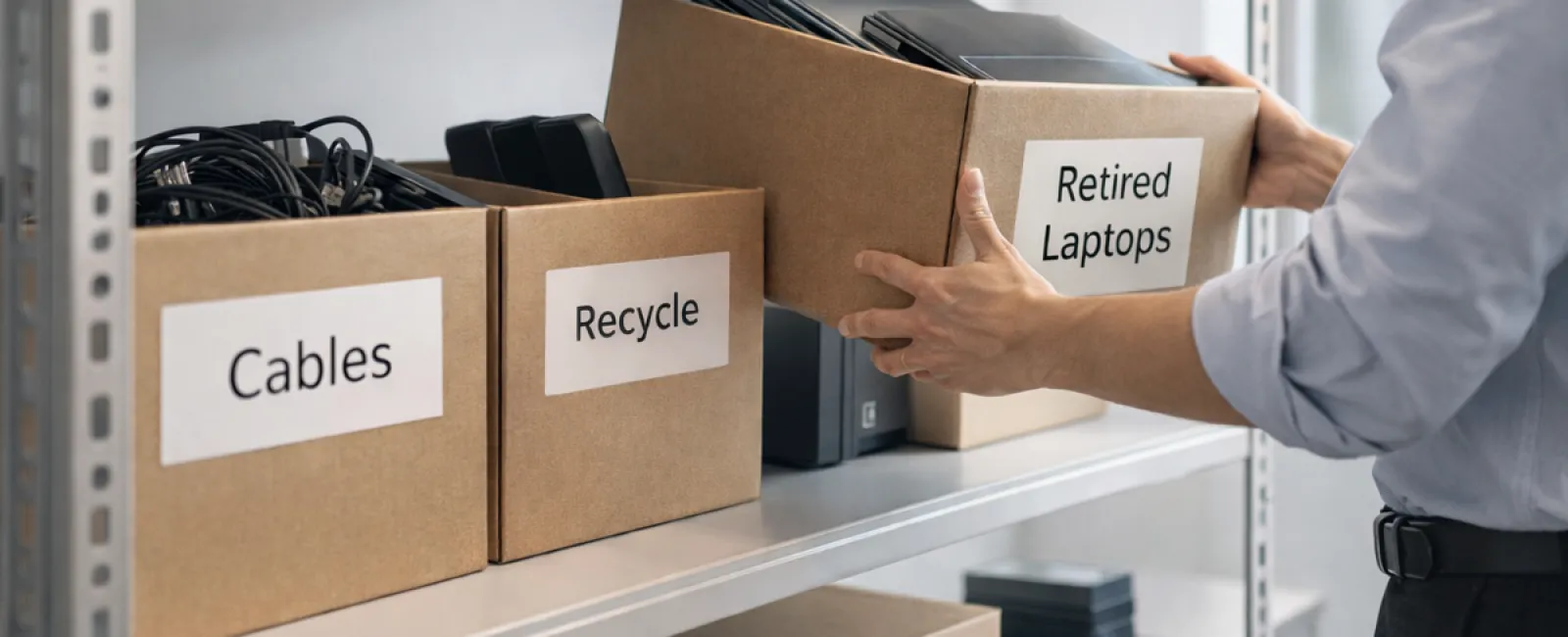
Outdated laptops, retired printers, and backup drives from several upgrades ago, along with boxes of cables saved "just in case," accumulate in every office.
Instead of wondering if you have this buildup, ask yourself: do you have a strategic plan for managing it?
Technology Follows a Lifecycle Beyond the Purchase Date
New technology purchases are typically made for clear reasons: improved speed, security, capabilities, and support for growth.
Many businesses carefully plan technology acquisitions but overlook planning for its retirement.
Retiring equipment often happens informally—devices get replaced, set aside, then forgotten until space needs to be cleared.
That's common.
What's uncommon is approaching tech retirement with the same strategy as its purchase.
Old technology still holds value, either through reuse, recyclable parts, or data it contains; ignoring it can cause operational inefficiencies.
Spring is the perfect time to assess what devices remain essential and which are simply occupying space.
Four Steps to Efficiently Manage Tech Cleanup
Don't let this become a vague intention. Follow our four-step process to take control.
Step 1: Complete an Inventory
Identify exactly what you plan to retire—laptops, phones, printers, network equipment, external drives, etc. You can't manage what you don't know exists, and a physical review often uncovers surprises.
Step 2: Choose the Right Path
Each device usually fits into one of three categories: reuse (internally or via donation), recycle (using certified e-waste services), or destroy (for sensitive data). Intentional decisions prevent devices from languishing in storage indefinitely.
Step 3: Properly Prepare Each Device
Discipline here prevents headaches later.
For devices being reused or donated, remove them from management systems, revoke user permissions, and perform certified data wiping—beyond just a factory reset. Simple deletion or formatting doesn't erase data; it merely hides where it is stored.
Research from data security firm Blancco showed 42% of resold drives on eBay still held sensitive info despite sellers claiming proper wiping. Certified tools overwrite data completely and provide verifiable reports.
When recycling, always use certified e-waste providers rather than disposing of hardware improperly. Note, Best Buy's popular program accepts only household electronics, not business equipment.
For commercial gear, choose IT asset disposition (ITAD) providers with e-Stewards or R2 certification—directories are available at e-stewards.org and sustainableelectronics.org. Your IT team can assist with this process.
If destruction is required, opt for certified wiping or physical destruction (such as shredding or degaussing), and keep detailed records—including serial numbers, destruction method, date, and handlers.
This isn't paranoia; it's responsible asset closure.
Step 4: Document the Process and Move Forward
Ensure you know where retired equipment goes, how it was treated, and confirm all access has been revoked. Proper documentation prevents any lingering concerns.
Devices Often Overlooked in Cleanup
Laptops get attention, but many devices do not.
Phones and tablets may retain email, contacts, or authentication apps. While factory resets handle much, certified mobile wipe tools offer more thorough data removal. Major manufacturers offer trade-in programs that can even provide credit on new devices.
Modern printers and copiers often include internal drives retaining all print, scan, copy, or fax data. When returning leased equipment, get written confirmation that hard drives will be wiped or removed prior to redeployment.
Batteries are classified as hazardous by the EPA. In many states, including California, NY, and Minnesota, businesses cannot legally discard rechargeable batteries in regular trash. Remove batteries when possible, tape terminals to avoid shorts, and bring them to certified recycling drop-off locations—find options at Call2Recycle.org or take them to stores like Staples, Home Depot, or Lowe's.
External drives and retired servers often remain stored longer than planned. They require the same careful retirement process as all other devices.
A Note on Responsible Recycling
Earth Day reminders in April highlight the importance of responsible recycling.
Electronic waste should never end up in landfills. Over 62 million metric tons of e-waste are generated worldwide yearly, yet just 22% is properly recycled. Batteries, monitors, and circuit boards deserve specific, certified recycling procedures. Most communities provide certified e-waste disposal options to support this.
Retiring technology responsibly promotes operational efficiency, safeguards the environment, and aligns with sound strategy. You don't have to choose between security and sustainability—you can achieve both.
This commitment is also a positive story to share on your company's social channels. Customers notice when a business acts responsibly without fanfare.
Why Spring Cleaning Offers a Bigger Business Opportunity
Spring cleaning isn't just about discarding items; it's about creating room for progress.
Removing outdated hardware is one part of the equation. While reviewing your devices, consider whether your technology truly supports your business goals.
Hardware cycles through, but software, systems, automation, and process improvements drive real productivity and profits.
Properly retiring old equipment is good maintenance. Ensuring your remaining technology aligns with your objectives propels growth.
How We Support Your Technology Journey
If you've already established a solid equipment retirement process, that's excellent—it should feel seamless and routine.
At the same time, it's a great opportunity to review your infrastructure. Are your systems efficient? Are your tools integrated? Is your technology fueling growth or just maintaining status quo?
If you want to pause and evaluate how your tech stack, systems, and workflows support your productivity and profitability, we're ready to help.
No checklists, no pressure—just a straightforward conversation about optimizing technology for your business success.
Click here or give us a call at 314-993-5528 to schedule your free 10-Minute Discovery Call.
Feel free to share this advice with fellow business owners who might benefit.
Don't limit spring cleaning to closets; include the essential systems that drive your business forward.


