


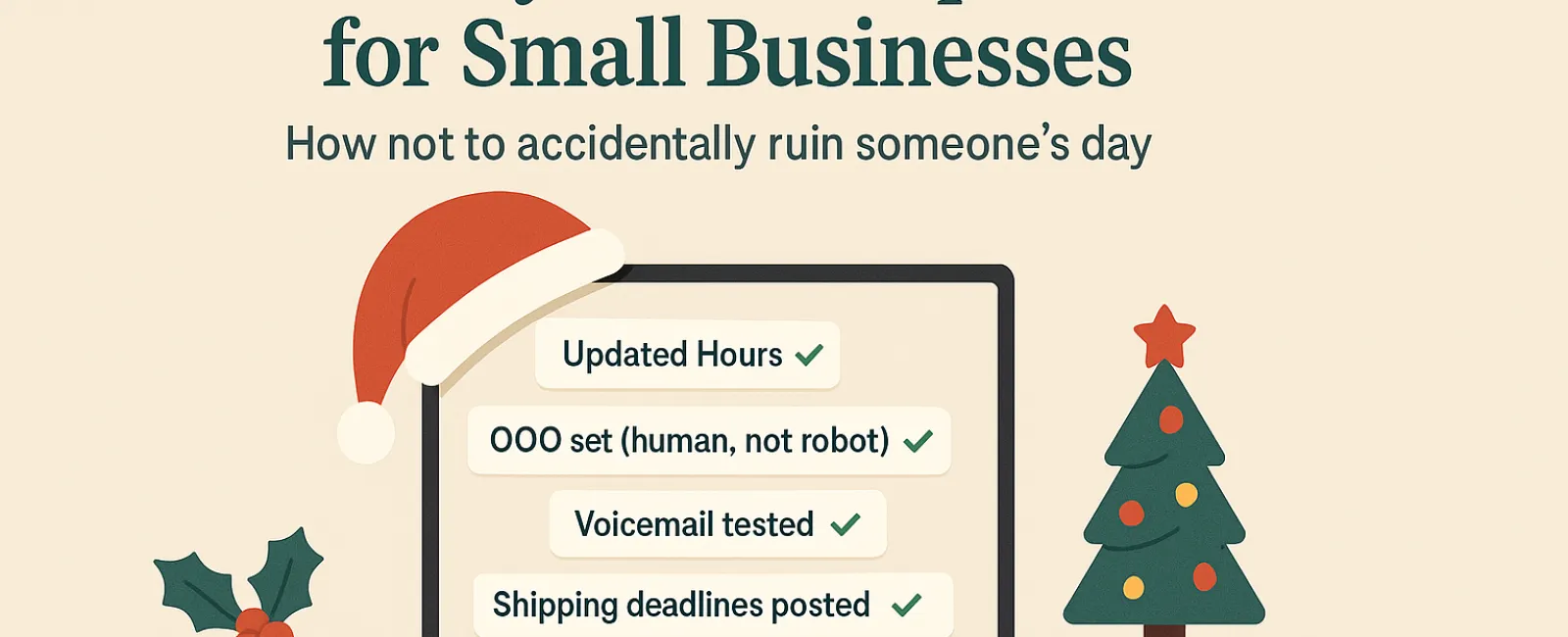
Holiday season hustle can easily turn chaotic, especially when technology glitches get in the way. With customers racing to finish last-minute tasks and employees managing family plans amid heightened expectations, the last thing your business needs is to frustrate anyone with preventable tech errors.
Consider this your essential Holiday Tech Etiquette Playbook—because no one wants to be the company that spoils someone's day.
1. Proactively Update Your Online Business Hours (Avoid Angry Calls)
Imagine a customer rushing across town on their lunch break, only to find your doors locked despite Google indicating you're open. That's an instant recipe for disappointment—and frustration.
Make sure to update:
- Your Google Business Profile—the top place customers look
- Social platforms like Facebook, Instagram, Yelp where customers check hours
- Your website banner with a clear, friendly holiday schedule
- Apple Maps—yes, it's widely used too
Example message: "Happy Holidays! We'll be closed Thursday, Nov. 28 through Sunday, Dec. 1 to celebrate with family. Regular hours resume Monday morning—with possibly some leftover turkey haze, but fully ready to assist!"
2. Craft Warm, Personal Out-Of-Office Replies (Ditch Robotic Messages)
Taking time off? Don't leave customers guessing if you've vanished. A thoughtful auto-reply serves as a courteous gatekeeper—friendly, professional, and human.
Sample out-of-office reply: "Thanks for your message! Our office is closed for Thanksgiving from Nov. 28 to Dec. 1. We'll get back to you as soon as we're back and caffeinated. For urgent needs, please call our support line at (XXX) XXX-XXXX. Warm holiday wishes to you and yours!"
3. Keep Your "Out-Of-Office" Message Concise (No Need For Travel Details)
Simple is best. Customers don't require your full itinerary—whether you're visiting Aunt Carol or hosting a Friendsgiving potluck.
Oversharing not only clutters communication but can pose security risks. Focus on dates, expected response times, and alternate contacts. Save your personal stories for social media.
4. Double-Check Your Phone System (So It Doesn't Test Your Customers' Patience)
Holiday callers are often pressed for time and easily frustrated. Confirm that your voicemail message matches your updated hours to prevent needless confusion.
Pro tip: Make a test call to your own number—you'll be surprised how many businesses still use outdated recordings from years ago.
Example voicemail: "You've reached [Business Name]. Our office is currently closed for the holiday weekend. Please leave a message, and we'll return your call Monday morning. For urgent matters, press 1 to reach our on-call team. Happy Holidays and thank you for your patience!"
5. Clearly Communicate Shipping Deadlines (Prevent Last-Minute Panic)
If your business ships products, announce order deadlines early and prominently. Post "order by" dates on your website and send timely reminders to customers.
While delayed packages are frustrating, missed expectations can damage trust. No one wants to explain why an anniversary gift arrives late.
In Summary: Polished Tech Etiquette Creates Happy Customers and Thriving Businesses
Holiday technology etiquette boils down to clear communication, human connection, and respect for your customers' time. Small proactive steps can avoid frustration and keep your business glowing this season.
Remember, your aim is not only to avoid issues but to make your customers feel valued—even while you're away.
Need expert help ensuring your systems and customer experience shine this holiday season? Call us at 314-993-5528 or click here to book your free 10-Minute Discovery Call. Let's explore straightforward strategies to keep your operations smooth, so you can enjoy some well-earned time off.


